
API Access
Read and write billing data from your CRM, accounting and provisioning systems through a documented REST API.
What the API Is Used For
The REST API exposes the same records the billing run uses, so other systems can read and update them directly. API access is read-only on Standard, with write access on Premium and full access on Enterprise. Typical uses include:
- ✓Keeping customer and service records in step with a CRM
- ✓Passing invoice and payment data to accounting software
- ✓Creating services and features from a provisioning system
- ✓Feeding billing data into your own dashboards and reports
- ✓Looking up an account by number from another tool
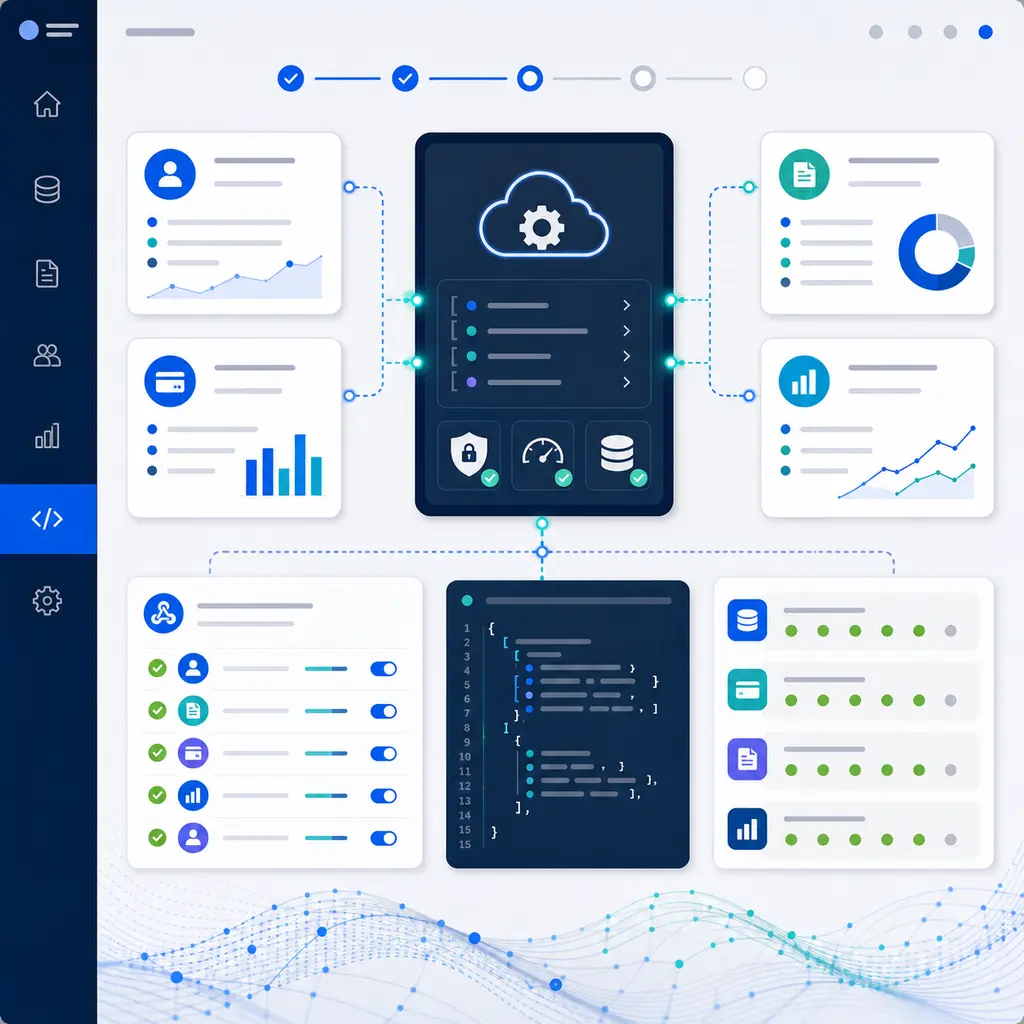
Key API Capabilities
Customer Management
Create, retrieve and update customer records and their contacts.
Service Management
Manage services, numbers and features, including their tariffs and recurring charges.
Usage Data Access
Retrieve rated calls, CDR files and discount allowance usage.
Invoice Information
Retrieve invoices, transactions and payment status.
Payments
Work with payments, Direct Debit and card payment runs, and expected payments.
Billing Runs and Tasks
Retrieve billing runs and billing tasks, and download disaster recovery files.
Common Integration Scenarios
CRM Integration
Keep customer and service records consistent between your CRM and SAFE, so the same details are not entered twice.
Accounting Software
Pass invoice and payment information to accounting packages. The Xero integration is included on Enterprise and available as an add-on on Premium.
Custom Dashboards
Pull billing data into your own dashboards for the KPIs your business tracks.
Provisioning Integration
Create services and features when they are provisioned, so billing starts from the same record.
Exact-Match Lookups
Records can be looked up by the identifiers your team already uses:
Customer Search
?accountNumber=C12345Invoice Search
?invoiceNumber=C12345/123Number Search
?number=02079460000Technical Overview
Sample Request
GET /api/v1/customers/123456
Authorization: Bearer {your_api_key}
Sample Response
{
  "id": "123456",
  "companyName": "Acme Telecom Ltd",
  "email": "billing@example.com",
  "status": "Active"
}
API Conventions
- ✓REST design: resource-based endpoints for each record type
- ✓JSON format: standard JSON request and response
- ✓Webhooks: notifications for the events you configure, with optional HMAC signing, on Premium and Enterprise
- ✓Sandbox environment: issue your own sandbox tokens to test an integration before it touches live data
- ✓Documentation: endpoint reference with fields, examples, pagination and status codes
Read the API Reference
The API documentation covers authentication, endpoints and status codes, so your developers can assess an integration before building it.