
Automated Payment Collection for UK Resellers
Direct Debit and card collection scheduled from each invoice's due date, with payments recorded against the account.
What automated payment collection covers
Automated payment collection means the billing platform creates and submits each payment from the invoice it relates to, rather than staff raising collections separately. SAFE does this for Direct Debit through GoCardless, which is authorised by the Financial Conduct Authority, and for cards through Stripe.
The customer sets up a mandate or card once in your branded portal. From then on, each invoice is collected on a timetable worked out from its due date, and the payment is recorded against the account. Bank and card details stay with the payment provider.
Payment collection is available from the Standard package. Your team still decides how failed payments are followed up, and keeps a manual route through payment runs for anything outside the schedule.
From Mandate to Matched Payment
Collection follows the invoice. Once a payment method is in place, the platform handles each stage and leaves the exceptions for your team:
- ✓Customers set up their own mandate or card through the portal
- ✓Payments created and submitted on working-day timings before each due date
- ✓Optional collection when a bill is emailed, printed or downloaded
- ✓Failed payments flagged on the account for follow-up
- ✓Each payment recorded against its invoice, with an audit trail
Payment Methods
Direct Debit
Collected through GoCardless against the customer's mandate, on the invoice's collection timetable.
Card Payments
Processed through Stripe, using a stored card for continuous collection where the customer has authorised it.
Payment Links
Card payment links that let a customer pay an invoice online, with the payment recorded against the account.
The Payment Collection Process
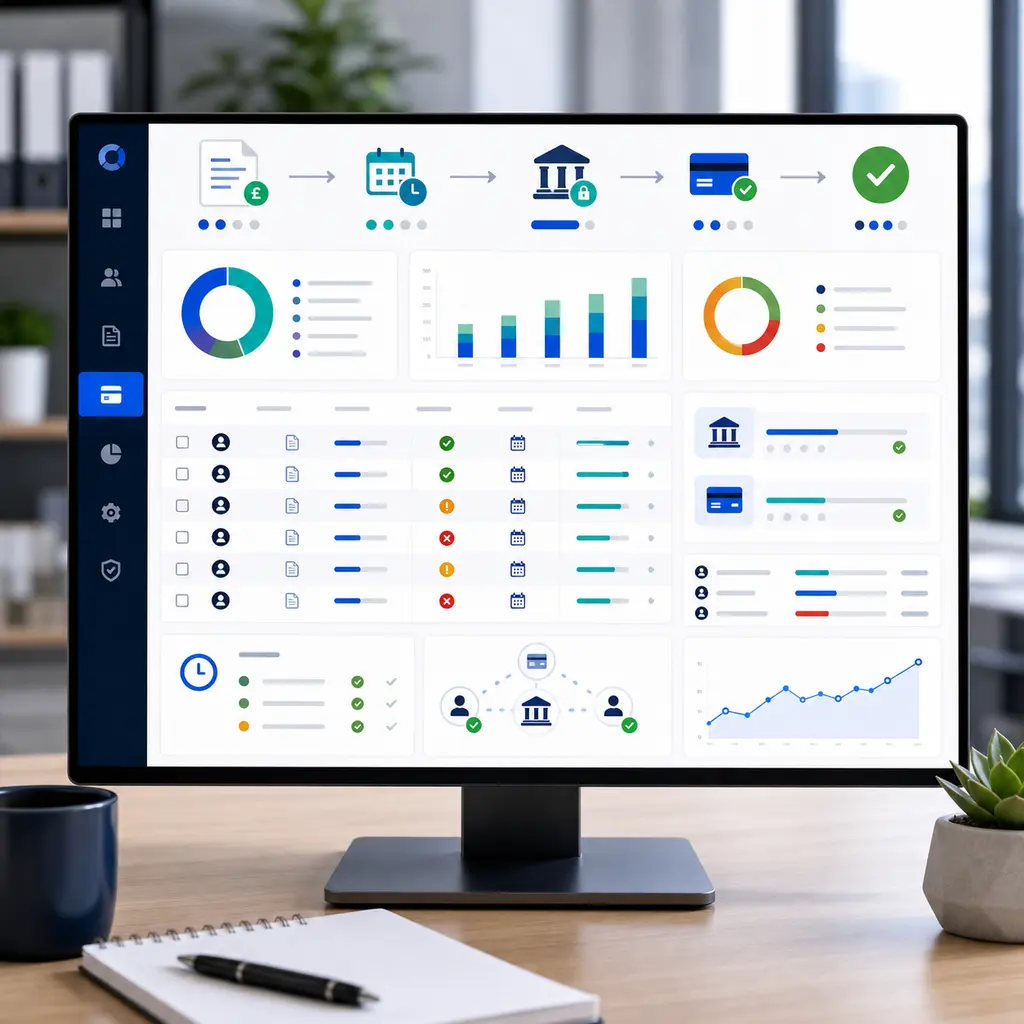
- 01
Payment Method Set-Up
The customer sets up a Direct Debit mandate or a card through your branded portal. Bank and card details are held by GoCardless or Stripe rather than in SAFE or on your systems.
- 02
Invoice Production
The billing run produces invoices from usage and recurring charges, and each customer receives a branded notification when their invoice is ready.
- 03
Collection
A set number of working days before each invoice falls due, the platform creates the payment and then submits it to the provider. Collection can also be triggered when the bill is delivered, or run by hand from a payment run.
- 04
Matching and Exceptions
Each payment is recorded against its invoice, with an audit trail. Failed payments are flagged for follow-up, manually or through automatic retries where you have configured them.
Controls Around Collection
Collection Timings
Set, for each payment provider, how many working days before the due date a payment is created and submitted.
Cancelling a Collection
Cancel a payment that has been created but not yet submitted, for example after a customer raises a dispute.
Branded Notifications
Invoice notifications, receipts and payment emails sent under your brand.
Card Data Stays With Stripe
Card details are tokenised by Stripe, so they never reach your systems or ours.
Where Manual Collection Takes Time
When payments are taken and recorded outside the billing platform, the work tends to fall into three areas:
- •Processing payments and matching them to the right invoices
- •Following up failed and late payments
- •Answering customer queries about what has been paid
Collecting through SAFE records each payment against the account as it is taken, so staff spend their time on the exceptions rather than on re-keying routine payments.
Payment Collection Questions
Which packages include payment collection?
When is each payment taken?
Is the card payment process PCI compliant?
What happens when a payment fails?
Will customers see SAFE or my brand?
Review Your Collection Process
We can follow a customer from Direct Debit mandate or card payment through collection, payment matching and a failed payment.