
White-Label Customer Portal for Telecoms Billing
Invoices, usage and payments for your customers, under your brand, with access set by profile.
What the SAFE customer portal provides
MyAccount is the self-service portal your customers sign in to with an email address and password. It carries your branding rather than ours, and shows each customer their own invoices, usage and payment options.
What each customer sees is set by their MyAccount profile. You might give residential customers invoice access only, and give business customers call analytics, service details and the ability to raise a case. Profiles are managed centrally, so a change applies to every customer assigned to that profile.
The features available also depend on your package. Invoices are included on every package; usage, payments, recent calls and a custom domain are added on the larger packages.
Billing Information Your Customers Can Reach Themselves
The portal gives customers direct access to the records behind their bill, within the limits of their profile and your package:
- ✓Current and past invoices to view and download
- ✓Usage, spend and call analytics
- ✓Card payments and Direct Debit set-up
- ✓Service details, with optional editing of descriptions and sites
- ✓Your branding throughout
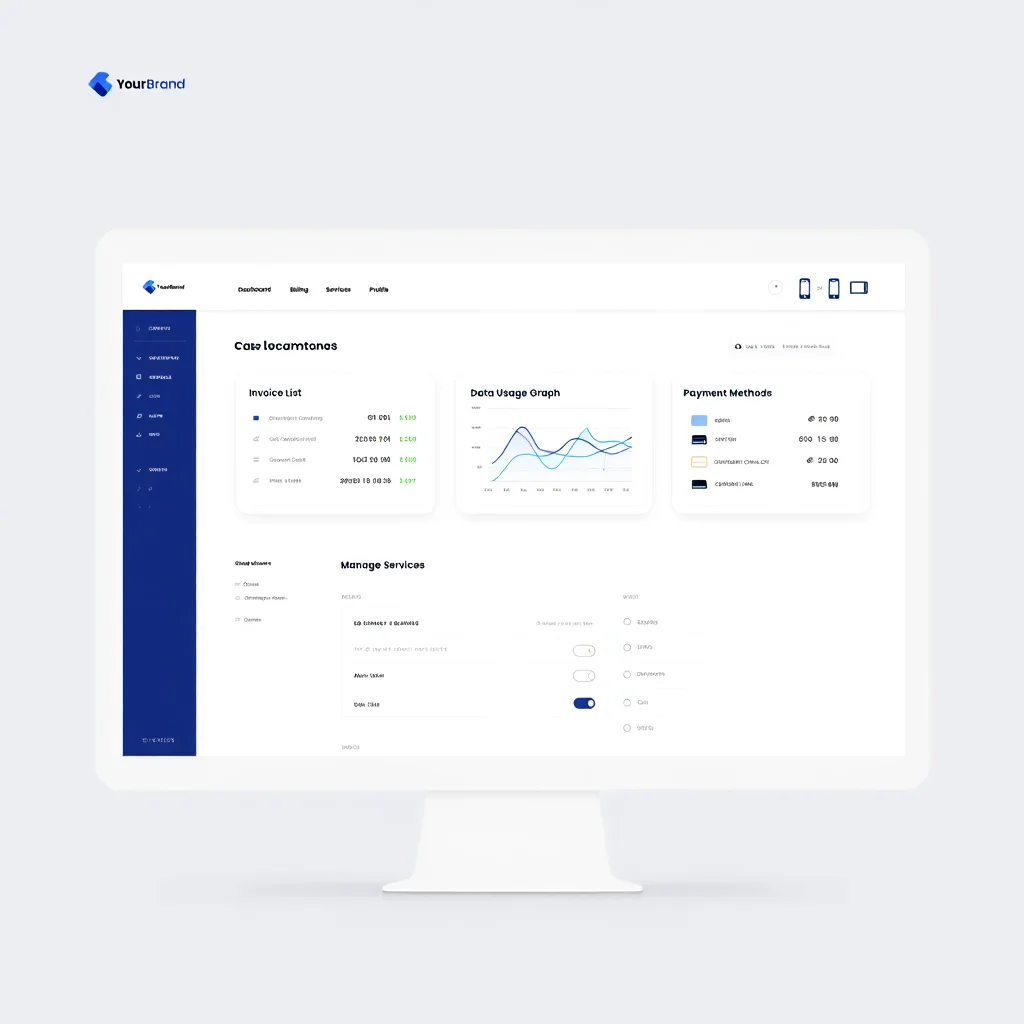
Portal Features
Invoices
Current and past invoices to view, download and print. Included on every package.
Usage and Calls
Usage and spend from Standard, with My Calls analytics where the profile allows. Premium adds recent calls and running spend between billing cycles.
Payments
Card payments and Direct Debit set-up, on packages that include payment collection.
Controlled by Profile
MyAccount Settings
The core portal features a customer can use, set once in the profile and applied to every customer assigned to it.
My Services
Which services a customer can see, and whether they can edit descriptions, sites and campaigns, individually or by CSV.
Cases
Which SAFE CRM case categories a customer can raise from the portal, where CRM is in use.
White-Label Branding
Your Logo and Colours
The portal and its notification emails carry your branding on every package.
Custom Domain
From the Premium package, customers reach the portal on your own domain name.
Customer Portal Questions
What does the portal include on each package?
Can customers pay their bills through the portal?
Can we control what each customer sees?
Does the portal run on our own domain?
How do customers sign in?
See the Portal Under Your Brand
We can show the portal with your logo and colours, and the invoice, usage and payment views your customers would see on each package.