Connecting Your Billing Platform to Xero
When invoices are produced in a billing platform and the accounts are kept in Xero, the same customers, invoices and payments need to exist in both. Re-keying them each month takes time and creates differences that surface later, in an aged debtors report that does not match or a VAT return that needs reconciling.
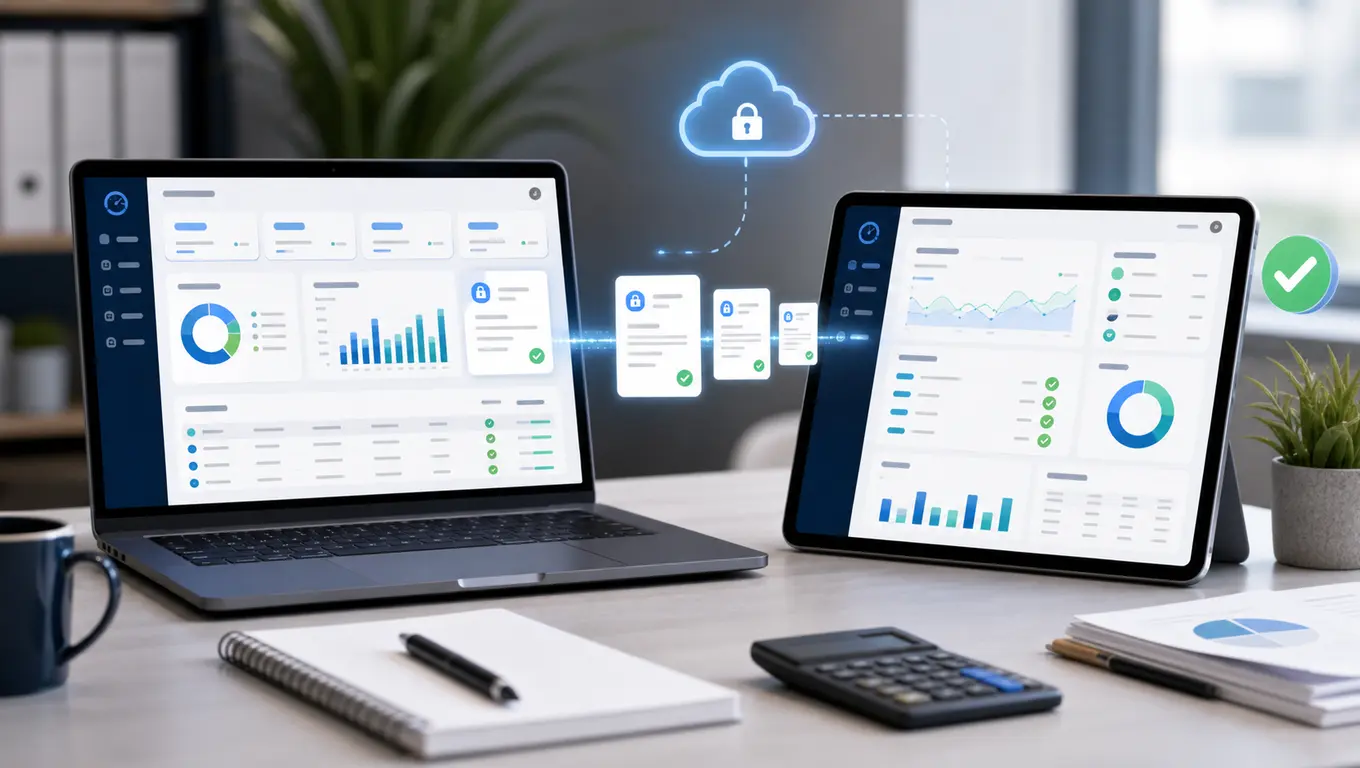
SAFE’s Xero integration transfers that data for you. After you authorise the connection, transfer tasks send customers, invoices and payments from SAFE into your Xero organisation, and payments recorded in Xero, such as those from bank feeds, can be brought back into SAFE.
Key Takeaways
- Transfer tasks send customers, invoices, payments and invoice PDFs from SAFE to Xero, in bulk or one at a time
- Payments recorded in Xero can be fetched back into SAFE
- Existing Xero contacts can be linked by account number before the first transfer, to avoid duplicates
- Account codes and VAT rates are mapped once, for a single line or one line per transaction
- Xero integration is included on Enterprise and available as an add-on on Premium; it is not available on Startup or Standard
Key terms in this article
What is Xero?
Xero is a cloud accounting platform widely used by UK small businesses.
What does OAuth mean?
OAuth (open authorisation) is the standard way web applications grant each other access to data without exchanging passwords. When you connect SAFE to Xero you authorise the link in Xero, and SAFE receives a token rather than your login.
What Transfers
Transfer tasks cover four kinds of data:
- Customers become Xero contacts.
- Invoices are created in Xero with the account codes and VAT rates you have mapped, as a single line or one line per transaction.
- Payments collected or recorded in SAFE, whether by Direct Debit, card or manual entry, are sent against the matching Xero invoices.
- Invoice PDFs can be sent so the bill your customer received is attached in Xero.
In the other direction, a task fetches payments recorded in Xero, such as those reconciled from bank feeds, into SAFE.
Each kind can be sent in bulk, typically after each billing run and collection run, or one record at a time where a single customer, invoice or payment needs sending outside the cycle.
Dealers and Separate Xero Organisations
Where your platform has more than one dealer, each dealer can have its own Xero link. Dealers that keep separate books can connect to different Xero organisations, while dealers sharing an organisation can link to the same one.
Setting It Up
The initial setup guide covers each step. In outline:
- Authorise the connection from the Advanced tab, under Xero (Accounting) > Account Linking/Status, using OAuth, for each dealer that needs a Xero link.
- Map account codes. Choose one line per invoice with a single sales code, or one line per transaction with codes taken from transaction or feature types.
- Map VAT rates so each charge carries the right Xero tax rate.
- Set historic cut-off dates so older records already in Xero are not sent again, and, if needed, a payment send delay.
- Link existing contacts. Where customers already exist in Xero, link them by account number before sending, so they are not duplicated.
- Run the initial transfer in order: customers, then invoices, then payments, checking the task activity after each before moving to the next.
The duplicate risk is the main thing to manage during set-up. A customer, invoice or payment already in Xero that is sent again will be duplicated, so check each task’s list of records to send before running it.
Each Billing Cycle
After each billing run, run the invoice transfer, and after each collection run, the payment transfer, adding new customers first where needed. The Xero Tasks list shows each task’s status and dates, and adding a task that is already waiting opens the existing one rather than creating a duplicate. The ongoing operations guide covers the routine in detail.
When Something Does Not Transfer
The troubleshooting guide covers the common causes, including:
- archived contacts in Xero
- two accounts with the same name
- contacts not showing as customers
- invoices or payments not sending, including recent payments held by the send delay
- mismatched data between the two systems
Checking the task activity after each run catches most of these before they affect month-end.
Where It Fits
With invoices and payments in Xero, the aged debtors position and VAT records in your accounts follow the billing platform rather than being rebuilt by hand. For resellers who also need to pass billing data to other systems, the same data is available through our API. If you have sole-trader customers affected by Making Tax Digital for Income Tax, our Xero and MTD post explains what the integration does and does not cover for them.
View Xero Integration Documentation | Arrange a Demonstration
Dr Paul Barrass
Founder & Technical Director, Safe Online Billing
Paul founded Safe Online Billing in 2005 and has built telecoms billing software for UK resellers for over 20 years. About the team →