
Auto Top-Up for Pre-Pay Customers Moves Into SAFE CRM
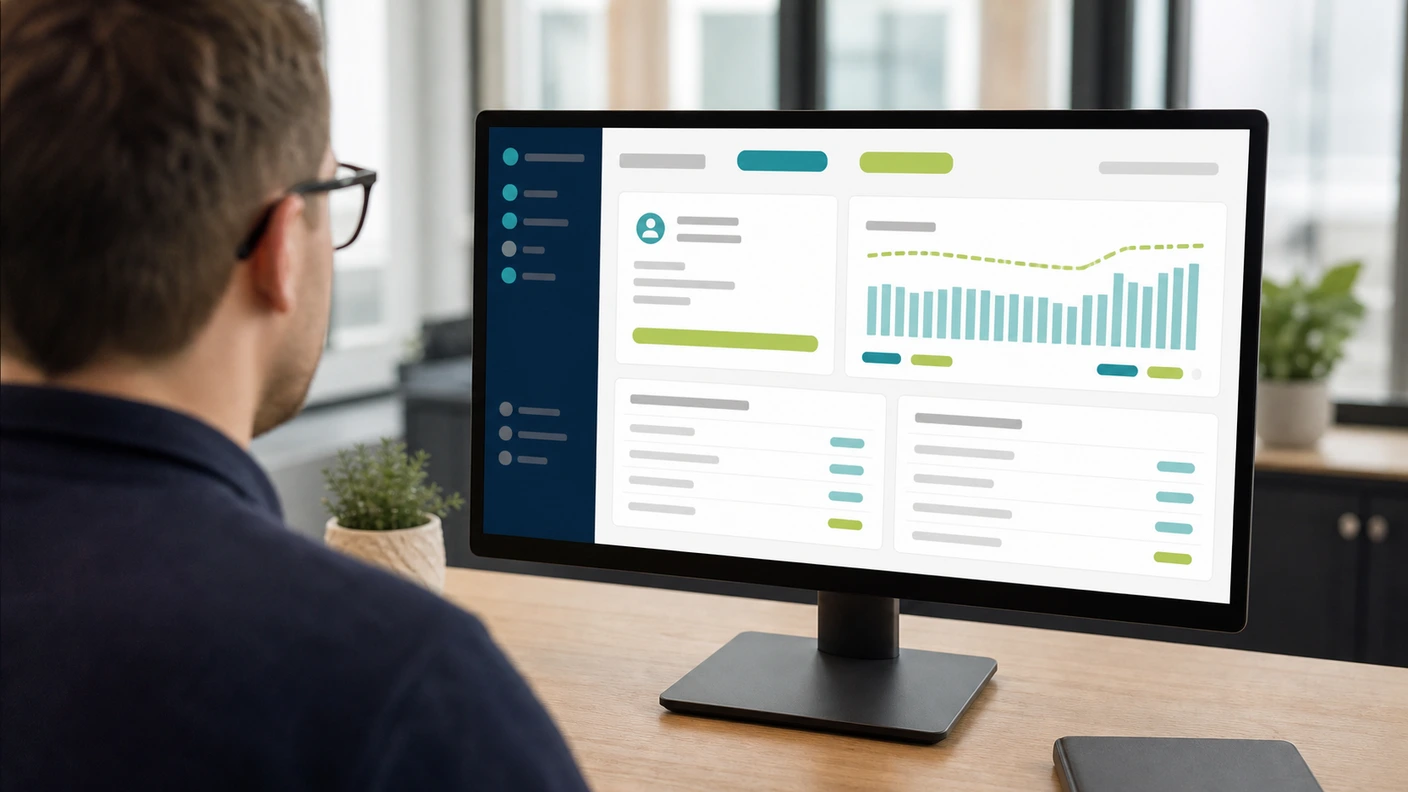
Pre-pay and auto-top-up arrangements help a telecoms reseller manage exposure before further usage accumulates. SAFE CRM brings the related reports into the Credit Control workspace, so staff can review recent top-ups, accounts approaching a trigger and settings that need attention alongside the wider customer record.
The benefit is clearer operational oversight. Taking money in advance can reduce exposure, but it does not remove every billing obligation or guarantee that an account can never become overdue.
Understand the Arrangement on the Account
Auto top-up attempts to replenish an account when its configured trigger is reached. The amount, trigger basis and available payment method determine how the arrangement behaves.
Those settings should match the customer’s usage and commercial terms. A small balance with a large burst of call traffic can behave differently from a steady account. Payment-provider processing times and the timing of usage updates also affect when the recorded balance changes.
For that reason, review the underlying arrangement before moving a customer between invoiced and pre-pay terms. The change is a credit decision, not simply a reporting preference.
Three Views for the Daily Review
The recent top-ups report shows recorded activity and outcomes. It helps staff investigate a particular event or review a customer’s pattern of replenishment without assembling the history elsewhere.
The near-trigger report identifies accounts approaching the configured threshold. This gives the team a chance to check the payment method and settings before the next attempt.
The issues report highlights problems in the arrangement, including missing or unsuitable settings and payment-method issues. Access requires the auto-top-up feature and the appropriate Credit Control permissions.
Investigate Failures Before Retrying
A failed top-up needs an explanation. The customer may need to update a card or mandate; a setting may need correction; or the provider’s response may require a different action. Repeatedly attempting the same collection without reviewing the reason does not resolve those causes.
Use the customer history to establish what has happened and what has already been communicated. If staff agree an alternative payment route, record the outcome so that the next colleague sees the current position.
Keep Pre-Pay and Invoice Debt Distinct
A customer can have a pre-pay usage arrangement alongside recurring service invoices or an older outstanding balance. Funding future calls does not necessarily settle those invoices.
Review the scope of the arrangement, the allocation of payments and any existing debt separately. This avoids treating a successful top-up as proof that the whole account is up to date, or treating every top-up failure as an overdue invoice.
The Credit Control page explains the wider collection workflow. The aged debt guide covers the invoice view.
Review the Pattern Over Time
A change in top-up frequency can justify a conversation about usage, thresholds or the customer’s requirements. It is a signal to investigate, rather than proof that the arrangement is unsuitable.
For a telecoms reseller, that review can sit beside an account-management conversation about additional seats, changing call patterns or service growth. Having the payment history and commercial context available helps the team explain a proposed change.
Contact us to review how the available pre-pay reports fit your current billing setup and CRM access.
Dr Paul Barrass
Founder & Technical Director, Safe Online Billing
Paul founded Safe Online Billing in 2005 and has built telecoms billing software for UK resellers for over 20 years. About the team →